See It In Action
Watch how Illusio detects AI content across different types of media in real-time.
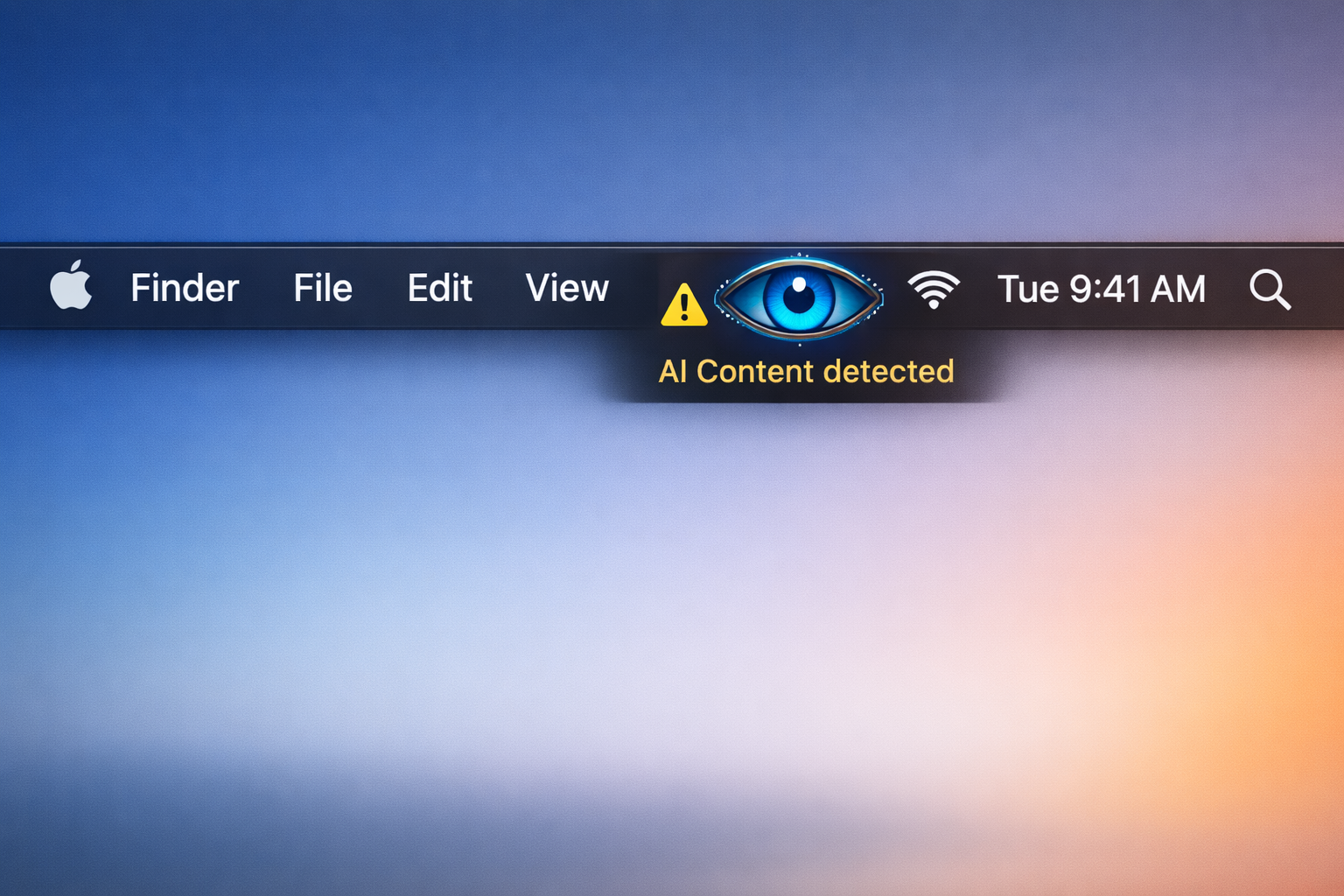
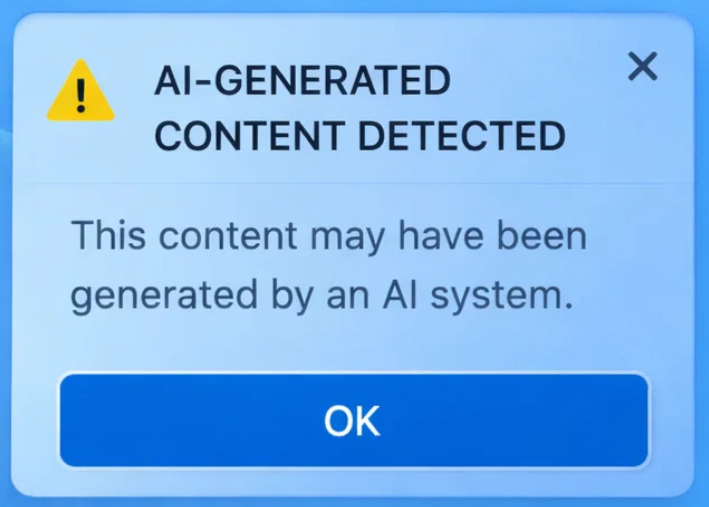
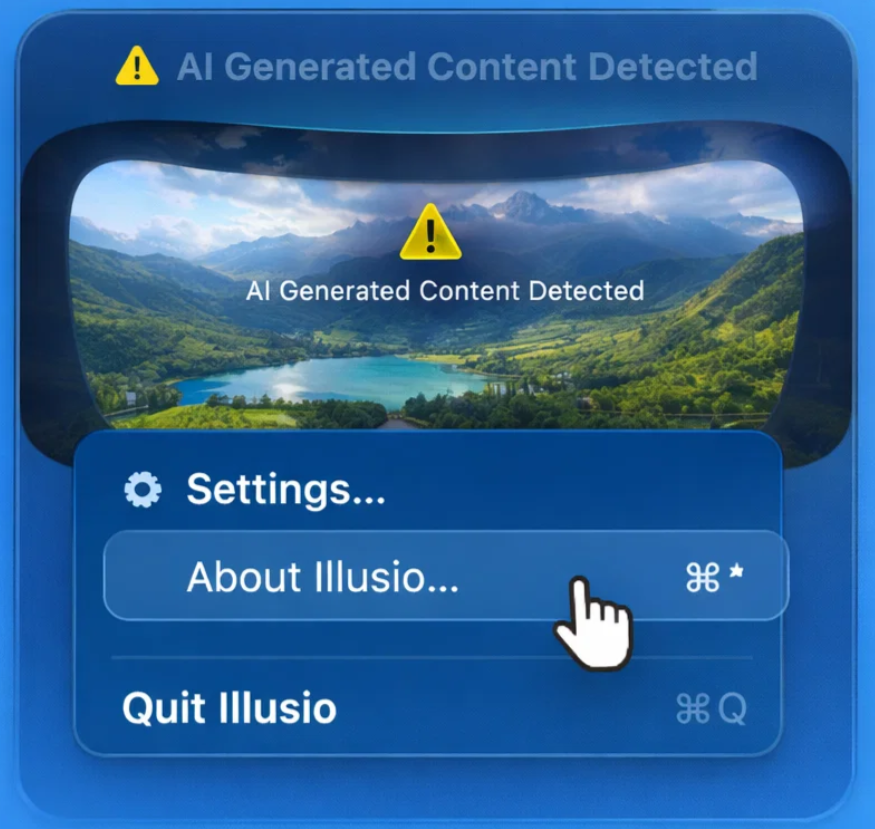
For when you no longer can trust the world, that what you are seeing with your eyes is true.
Detect AI-generated content across your entire screen images, text, and videos.
Get real-time indicators to know when AI is being used.
Illusio analyzes everything on your screen in real-time, giving you complete transparency about AI-generated content.
Instantly identify AI-generated images across your screen. Works with any application or website you're viewing.
Detect AI-written text in documents, emails, and web pages. Get indicators showing where AI content appears.
Analyze video content frame by frame to detect AI-generated visuals. Works seamlessly with your media players.
Visual overlays and badges appear automatically when AI content is detected, keeping you informed without interrupting your workflow.
Monitors your entire screen continuously, detecting AI content in any window, application, or browser tab. Works on multi-monitor setups.
All processing happens locally on your Mac. Your screen content never leaves your device, ensuring complete privacy.
Getting started with Illusio is simple. Just install, enable, and start detecting.
Download Illusio and install it on your Mac. Launch the app and grant necessary permissions for screen access.
Toggle on AI detection in the menu bar. Illusio starts monitoring your screen automatically, working silently in the background.
When AI content is detected, visual indicators appear on your screen. Customize the appearance and sensitivity to match your preferences.
Review detection history, adjust settings, and get detailed insights about the AI content found across your digital workspace.
Watch how Illusio detects AI content across different types of media in real-time.